End-to-end walkthrough
1
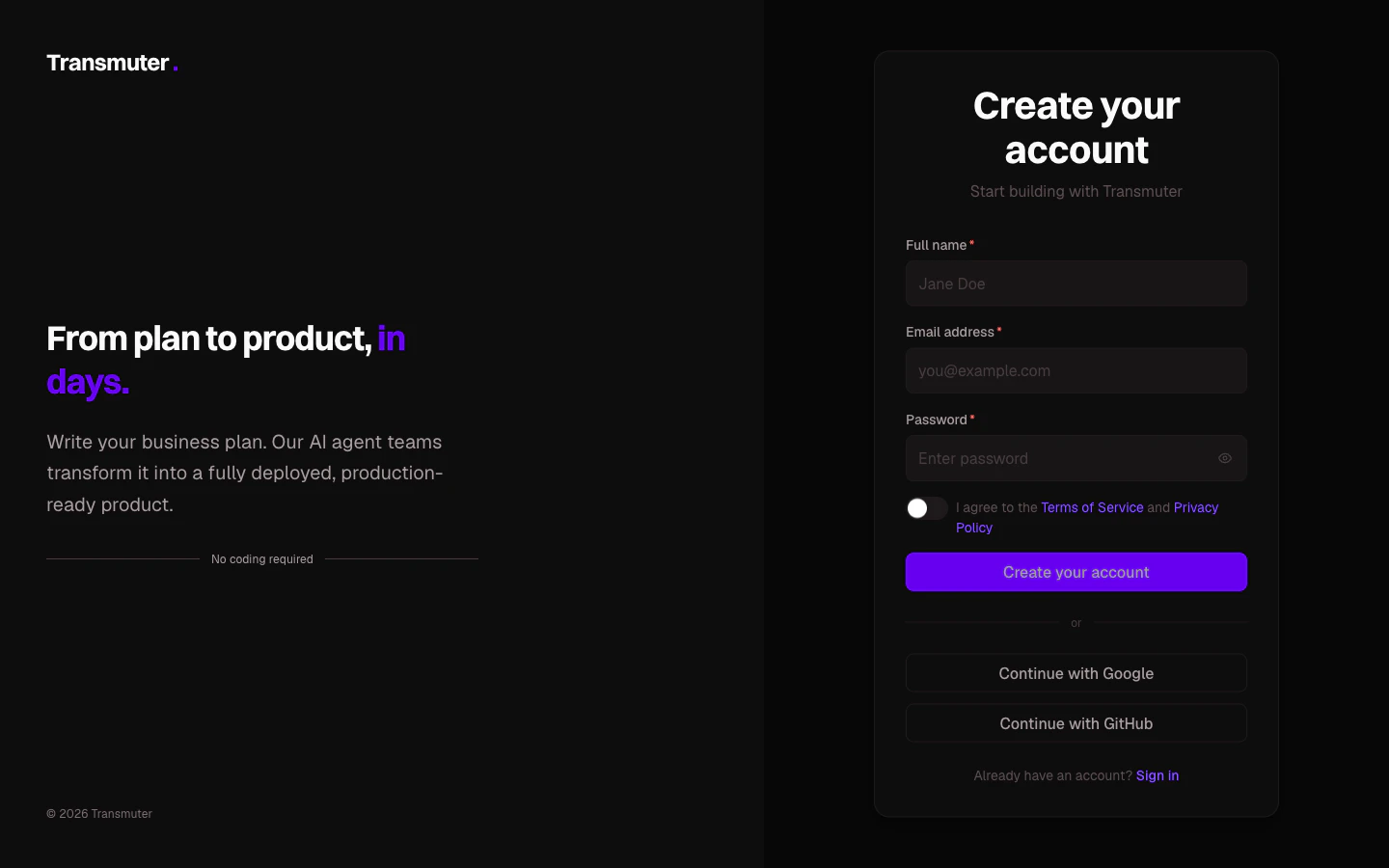
Create your account
Go to transmuter.3mergen.com/signup and create your account using email, Google, or GitHub. After signing up, answer three quick questions so Transmuter can personalize your experience.
A personal workspace is created for you automatically. You can create additional workspaces later for different projects or clients.
2
Create a new project
From your dashboard, click Create Project. Give your project a name and description, then choose how to add your business plan:
- Upload a file — drag and drop a PDF, Word, Markdown, or text file
- Write in the editor — use our built-in editor with live preview
- Start from a template — choose from SaaS, Marketplace, Internal Tool, Mobile App, or E-commerce templates
3
Set up your technology
Click Start Plan Cast on your project page. Transmuter begins by having a friendly conversation with you about your product’s technology needs. It reads your business plan, identifies any gaps, and asks a few plain-language questions.At the end of this conversation, Transmuter generates a technology setup tailored to your product. Review and approve it to continue.
4
Connect your cloud accounts
Before building can begin, you need to connect three free cloud accounts where your product will live:
- GitHub — where your code is stored securely
- Vercel — what makes your product fast and available worldwide
- Convex — your product’s database and backend
5
Watch your product being built
Once everything is connected, the building process begins. You can follow along in real time on the progress dashboard, which shows:
- What is currently happening in plain language
- A progress bar showing overall completion
- Estimated time remaining
Building happens in the background. You can close your browser and come back later — Transmuter will email you when your attention is needed.
6
Review your specifications
At two key checkpoints, Transmuter pauses and asks you to review what has been generated:
- Product requirements — the detailed breakdown of what your product will do
- Technical specifications — how the product will be structured
7
Deploy your product
After building and quality checks are complete, you will see a summary of your product’s audit results — security, accessibility, performance, and code quality scores.Click Deploy to launch your product. Transmuter handles everything: pushing code to GitHub, deploying to Vercel, and setting up your database. Within minutes, your product is live at a real URL.
What happens next?
Once your product is live, you can:- Monitor its health from the Post-Launch Hub
- Submit feedback to request changes and improvements
- Set up a custom domain for a professional URL
- Invite team members to collaborate