Sign up
1
Go to the signup page
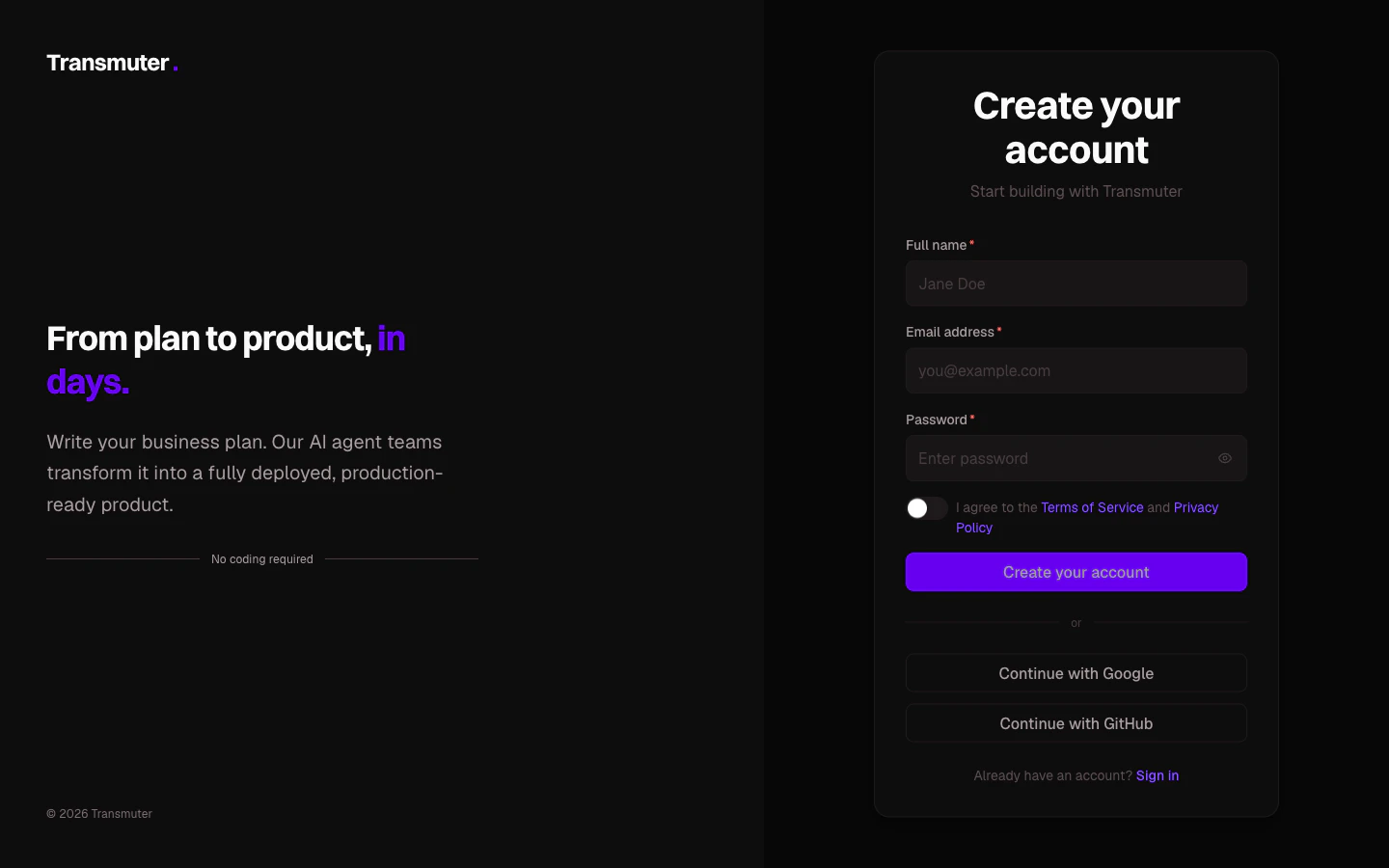
Visit transmuter.3mergen.com/signup. You will see three ways to create your account:
- Email and password — enter your name, email, and choose a password (at least 8 characters)
- Continue with Google — sign up instantly using your Google account
- Continue with GitHub — sign up instantly using your GitHub account
2
Verify your email
If you signed up with email and password, check your inbox for a verification email. Click the link to activate your account.
3
Complete the onboarding quiz
After signing in for the first time, Transmuter asks three quick questions to personalize your experience:
- What describes you best? — founder, business owner, consultant, developer, or just exploring
- Do you have a business plan? — yes, I have an idea, or not yet
- When do you want to launch? — ASAP, within a month, within 3 months, or no timeline
- Have a plan ready — straight to creating your first project
- Have an idea — browse templates to get started
- Just exploring — view a demo project to see what a finished Plan Cast looks like
Your personal workspace
When you create your account, Transmuter automatically creates a personal workspace for you. This is where all your projects live. Think of it as your home base. Your personal workspace starts on the Starter plan, which includes:- 1 active project
- 2 Plan Casts per month
- 500,000 AI tokens
Logging in later
To log back in, visit transmuter.3mergen.com/login and use the same method you signed up with. Your session stays active for 30 days, so you will not need to log in every time.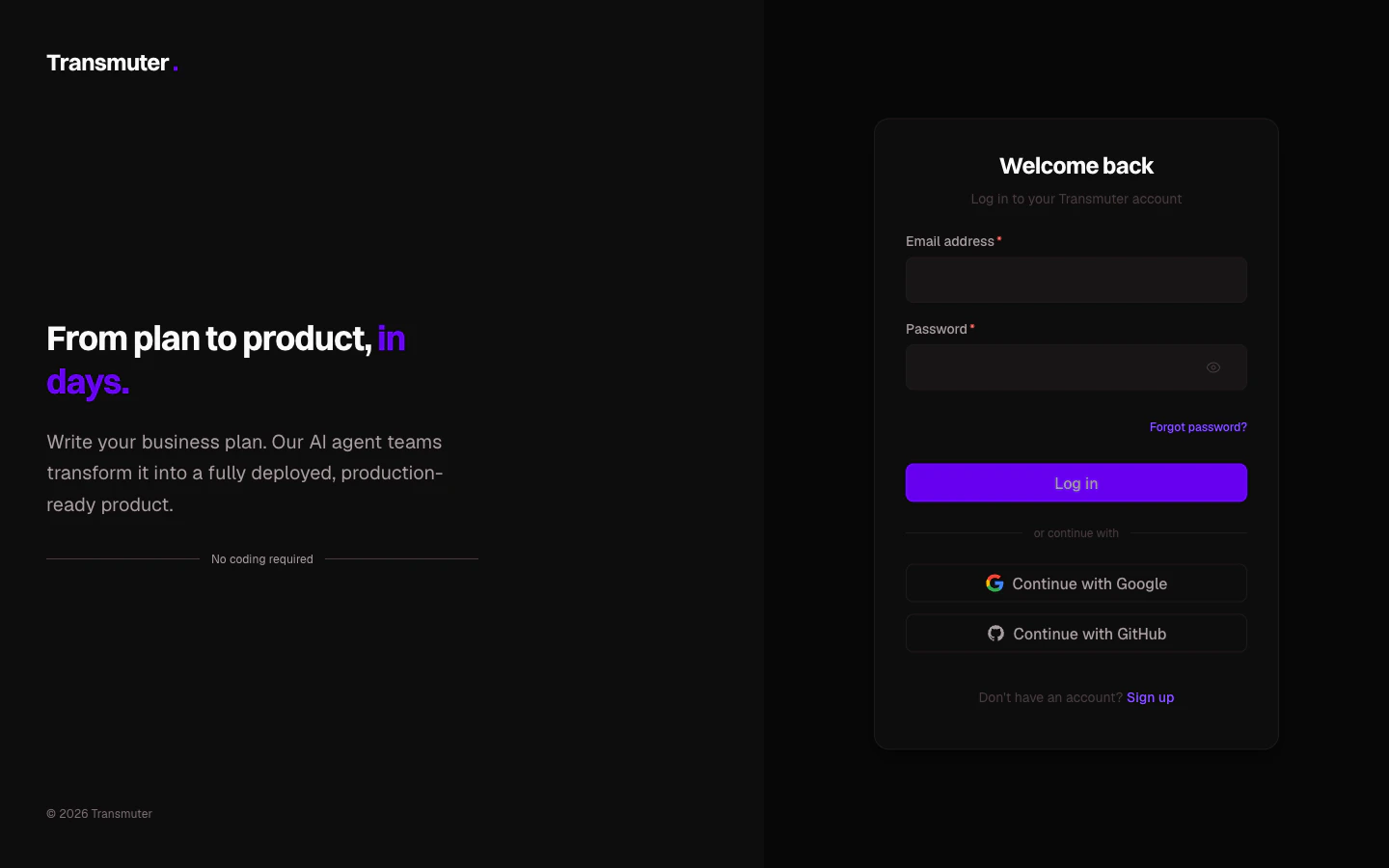
Resetting your password
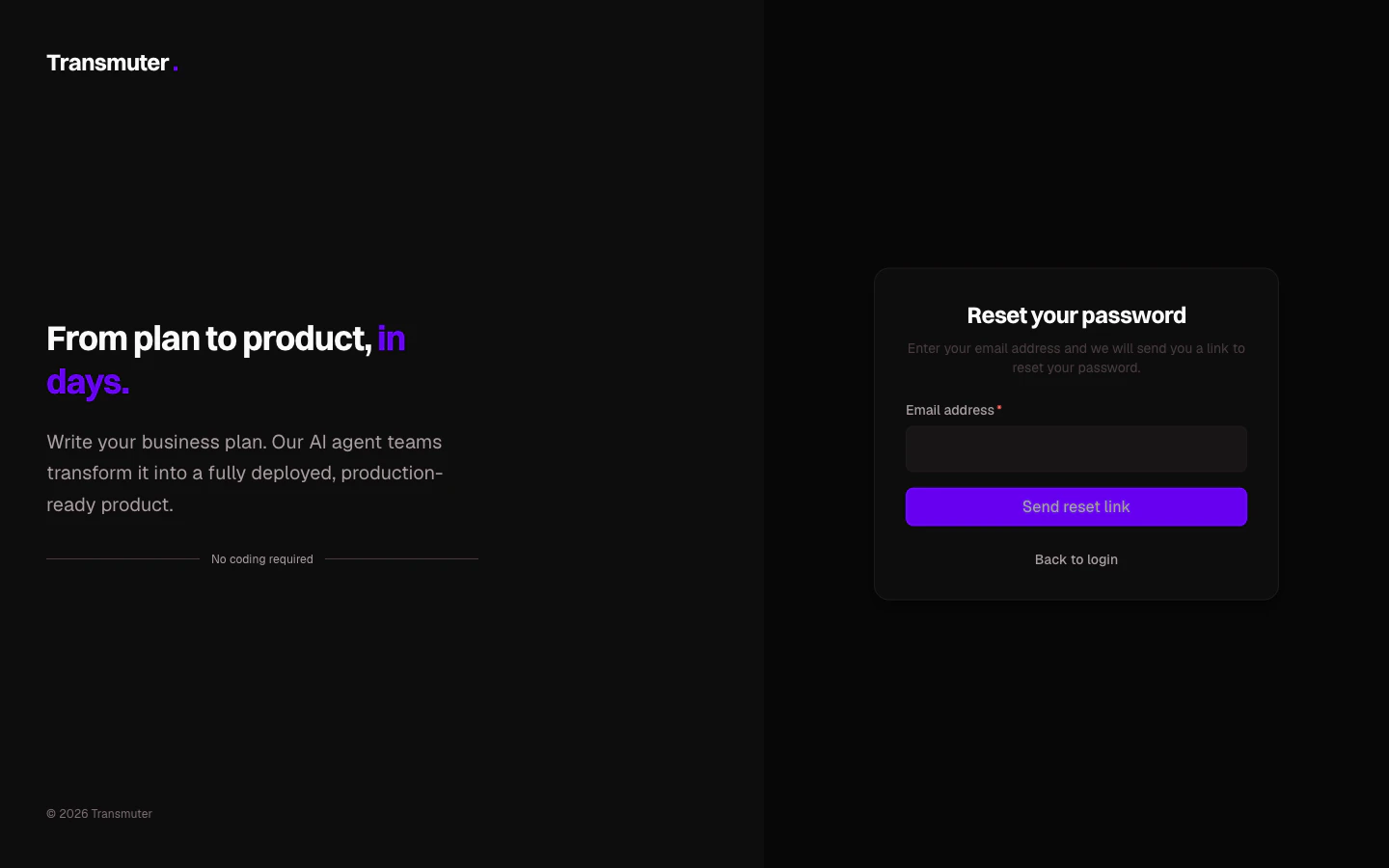
If you forgot your password, click Forgot password? on the login page. Enter your email address and click Send reset link. You will receive an email with a link to set a new password.