> ## Documentation Index
> Fetch the complete documentation index at: https://docs.transmuter.3mergen.com/llms.txt
> Use this file to discover all available pages before exploring further.
# Creating Your Account
> Sign up for Transmuter and personalize your experience in under two minutes.
Getting started with Transmuter takes less than two minutes. You can sign up with your email address, or use your existing Google or GitHub account.
 ## Sign up
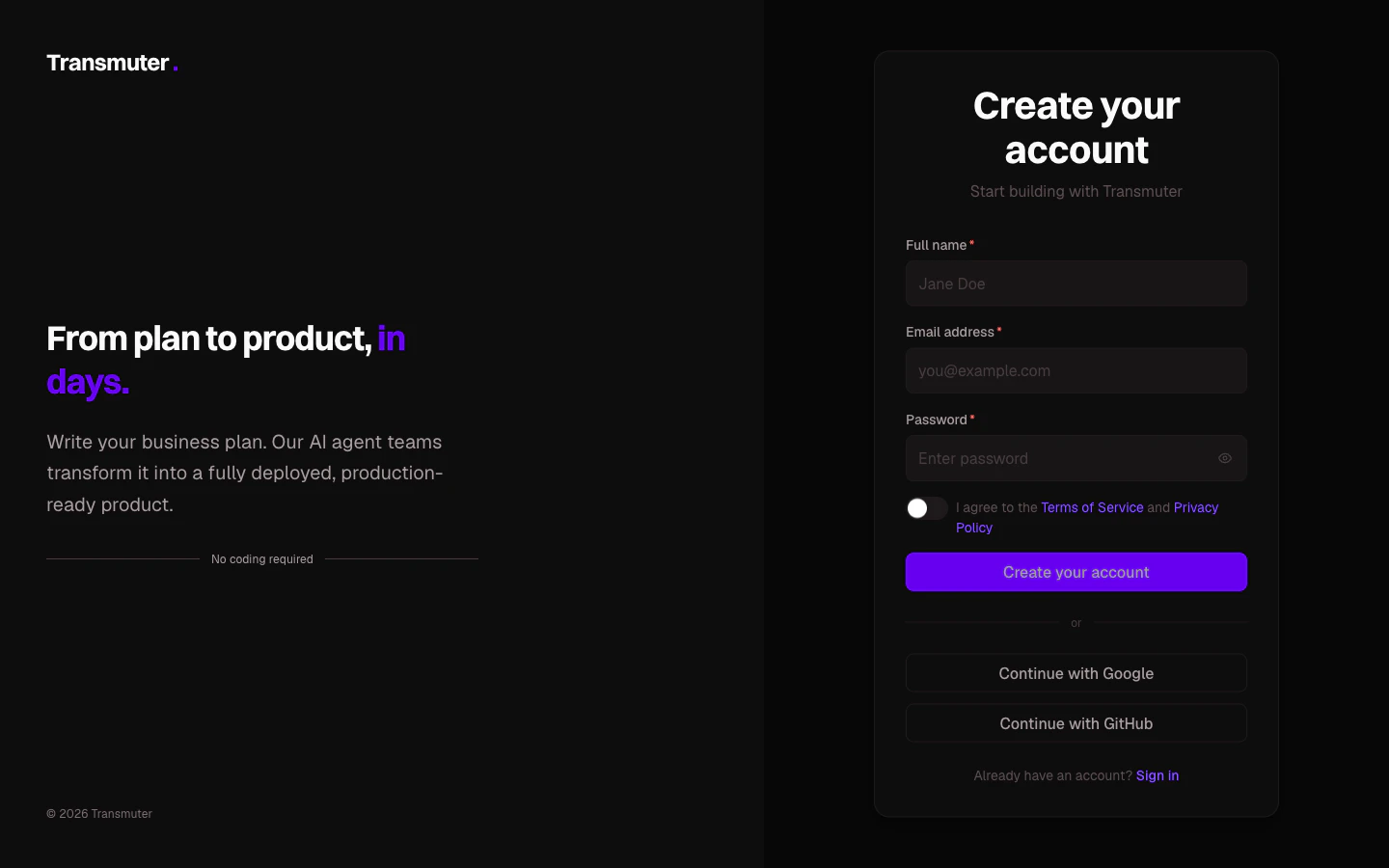
Visit [transmuter.3mergen.com/signup](https://transmuter.3mergen.com/signup). You will see three ways to create your account:
* **Email and password** -- enter your name, email, and choose a password (at least 8 characters)
* **Continue with Google** -- sign up instantly using your Google account
* **Continue with GitHub** -- sign up instantly using your GitHub account
If you signed up with email and password, check your inbox for a verification email. Click the link to activate your account.
If you do not see the email within a minute, check your spam folder. You can also click "Resend verification email" on the confirmation screen.
After signing in for the first time, Transmuter asks three quick questions to personalize your experience:
1. **What describes you best?** -- founder, business owner, consultant, developer, or just exploring
2. **Do you have a business plan?** -- yes, I have an idea, or not yet
3. **When do you want to launch?** -- ASAP, within a month, within 3 months, or no timeline
Based on your answers, Transmuter routes you to the right starting point:
* **Have a plan ready** -- straight to creating your first project
* **Have an idea** -- browse templates to get started
* **Just exploring** -- view a demo project to see what a finished Plan Cast looks like
## Your personal workspace
When you create your account, Transmuter automatically creates a personal workspace for you. This is where all your projects live. Think of it as your home base.
Your personal workspace starts on the Starter plan, which includes:
* 1 active project
* 2 Plan Casts per month
* 500,000 AI tokens
You can [upgrade your plan](/journeys/managing-account/billing-and-plans) at any time, or [create additional workspaces](/journeys/getting-started/setting-up-workspace) for different clients or teams.
## Logging in later
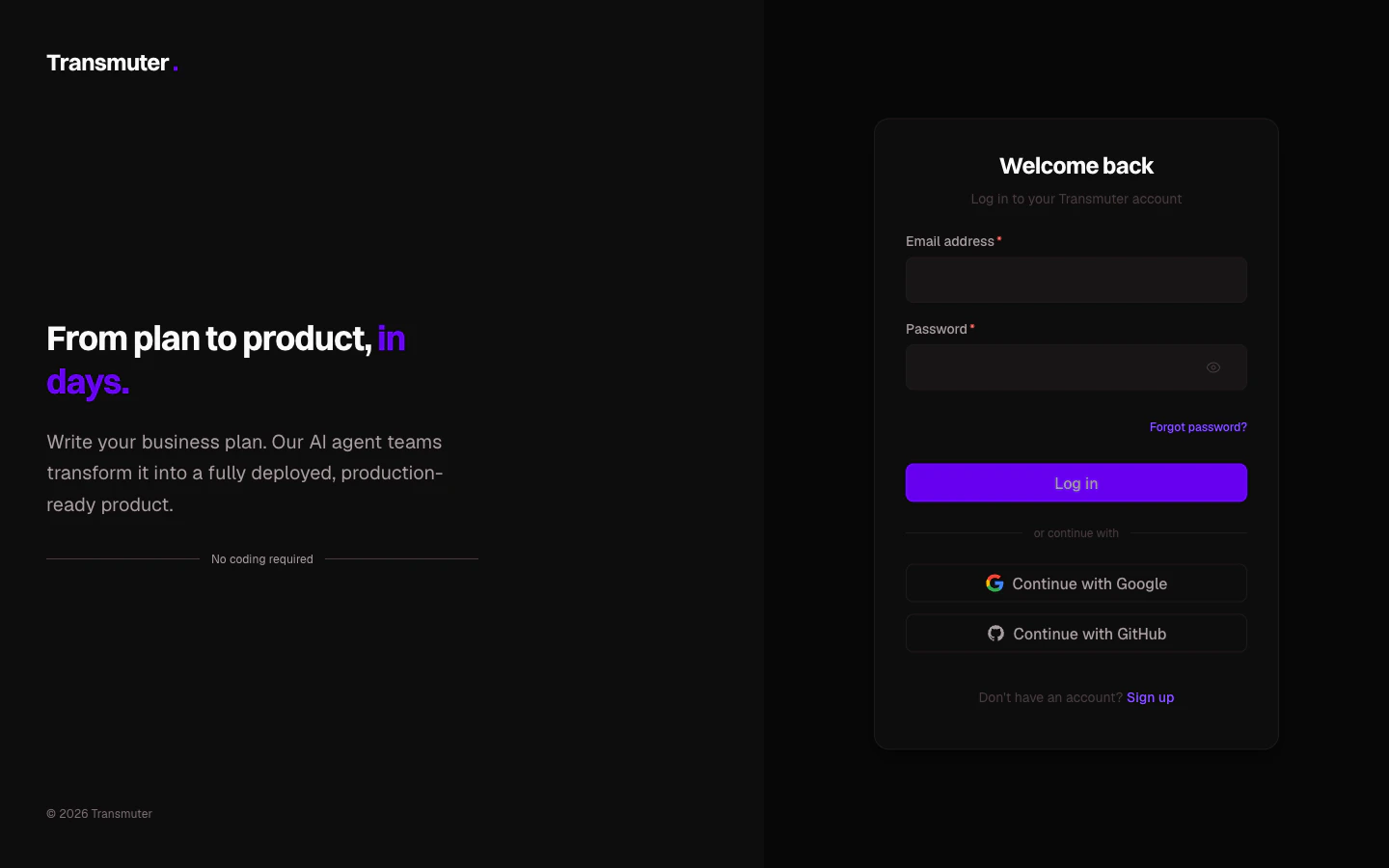
To log back in, visit [transmuter.3mergen.com/login](https://transmuter.3mergen.com/login) and use the same method you signed up with. Your session stays active for 30 days, so you will not need to log in every time.
## Sign up
Visit [transmuter.3mergen.com/signup](https://transmuter.3mergen.com/signup). You will see three ways to create your account:
* **Email and password** -- enter your name, email, and choose a password (at least 8 characters)
* **Continue with Google** -- sign up instantly using your Google account
* **Continue with GitHub** -- sign up instantly using your GitHub account
If you signed up with email and password, check your inbox for a verification email. Click the link to activate your account.
If you do not see the email within a minute, check your spam folder. You can also click "Resend verification email" on the confirmation screen.
After signing in for the first time, Transmuter asks three quick questions to personalize your experience:
1. **What describes you best?** -- founder, business owner, consultant, developer, or just exploring
2. **Do you have a business plan?** -- yes, I have an idea, or not yet
3. **When do you want to launch?** -- ASAP, within a month, within 3 months, or no timeline
Based on your answers, Transmuter routes you to the right starting point:
* **Have a plan ready** -- straight to creating your first project
* **Have an idea** -- browse templates to get started
* **Just exploring** -- view a demo project to see what a finished Plan Cast looks like
## Your personal workspace
When you create your account, Transmuter automatically creates a personal workspace for you. This is where all your projects live. Think of it as your home base.
Your personal workspace starts on the Starter plan, which includes:
* 1 active project
* 2 Plan Casts per month
* 500,000 AI tokens
You can [upgrade your plan](/journeys/managing-account/billing-and-plans) at any time, or [create additional workspaces](/journeys/getting-started/setting-up-workspace) for different clients or teams.
## Logging in later
To log back in, visit [transmuter.3mergen.com/login](https://transmuter.3mergen.com/login) and use the same method you signed up with. Your session stays active for 30 days, so you will not need to log in every time.
 If you have not used Transmuter for 24 hours, you may need to log in again for security reasons.
## Resetting your password
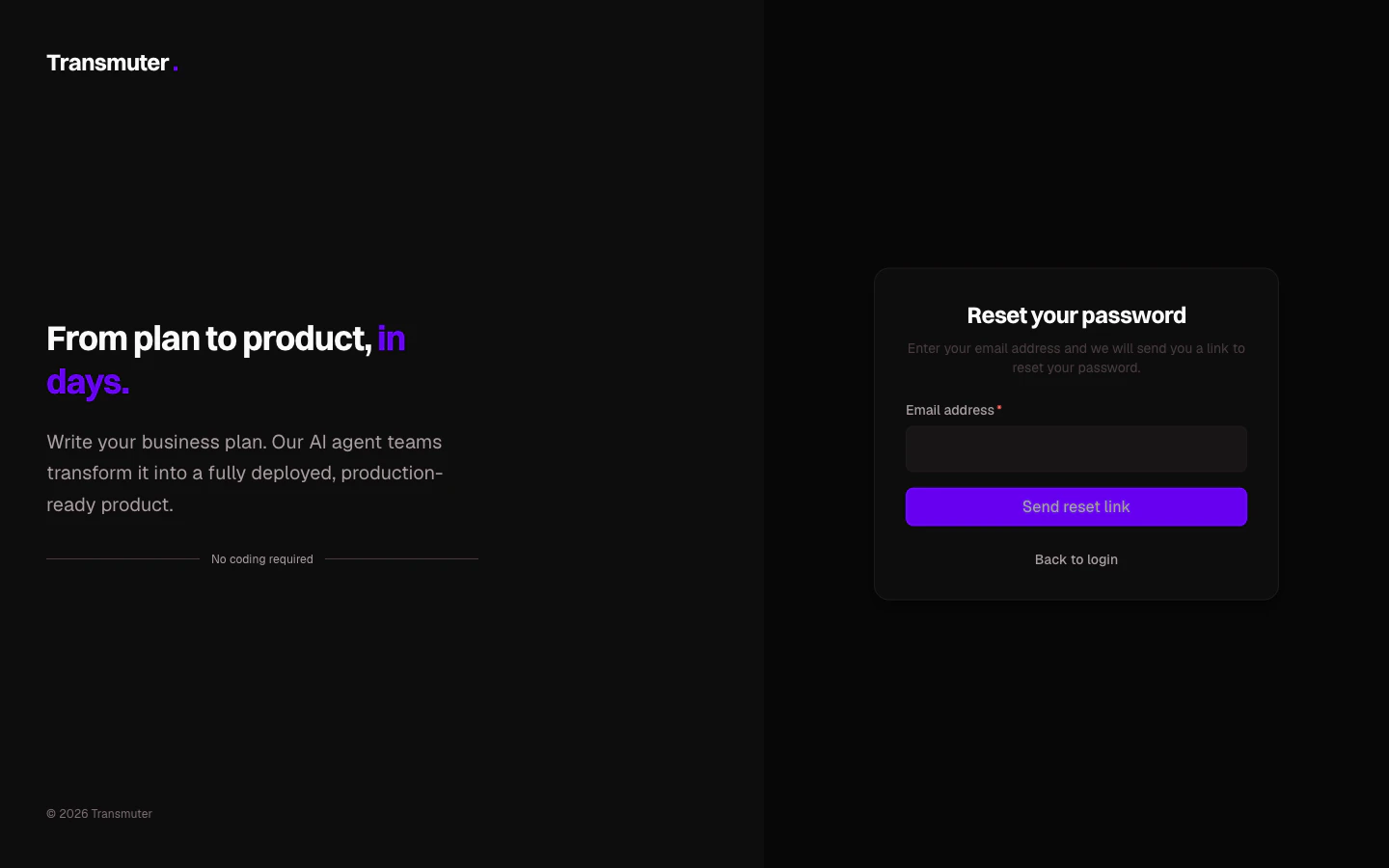
If you forgot your password, click **Forgot password?** on the login page. Enter your email address and click **Send reset link**. You will receive an email with a link to set a new password.
If you have not used Transmuter for 24 hours, you may need to log in again for security reasons.
## Resetting your password
If you forgot your password, click **Forgot password?** on the login page. Enter your email address and click **Send reset link**. You will receive an email with a link to set a new password.